GET JOB READY WITH PRACTICAL DIGITAL SKILLS EMPLOYERS VALUE
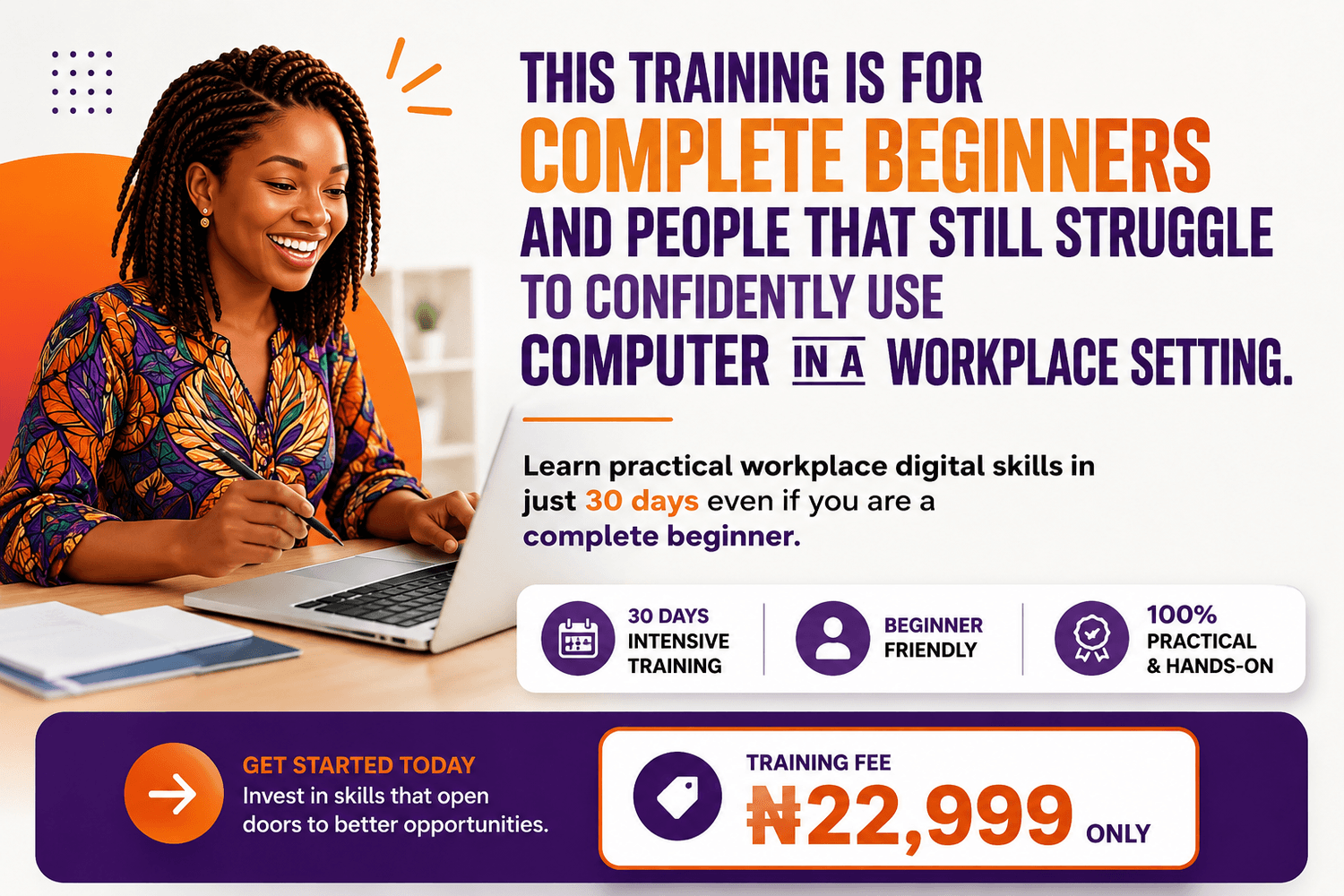
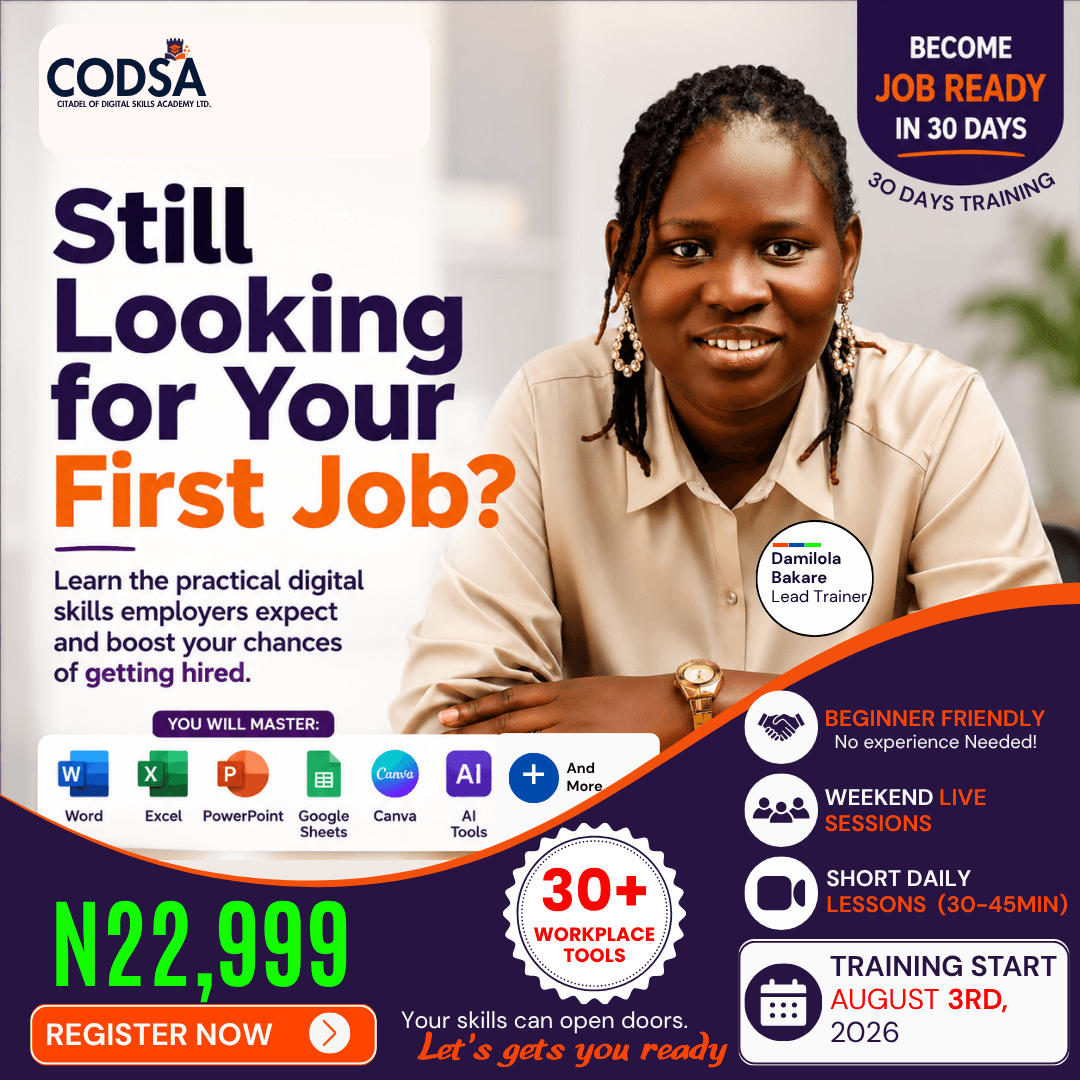
Whether you're preparing for your first job, improving your workplace skills, or investing in your child's future, this 30 day beginner friendly training teaches the practical digital skills used every day in today's workplace.
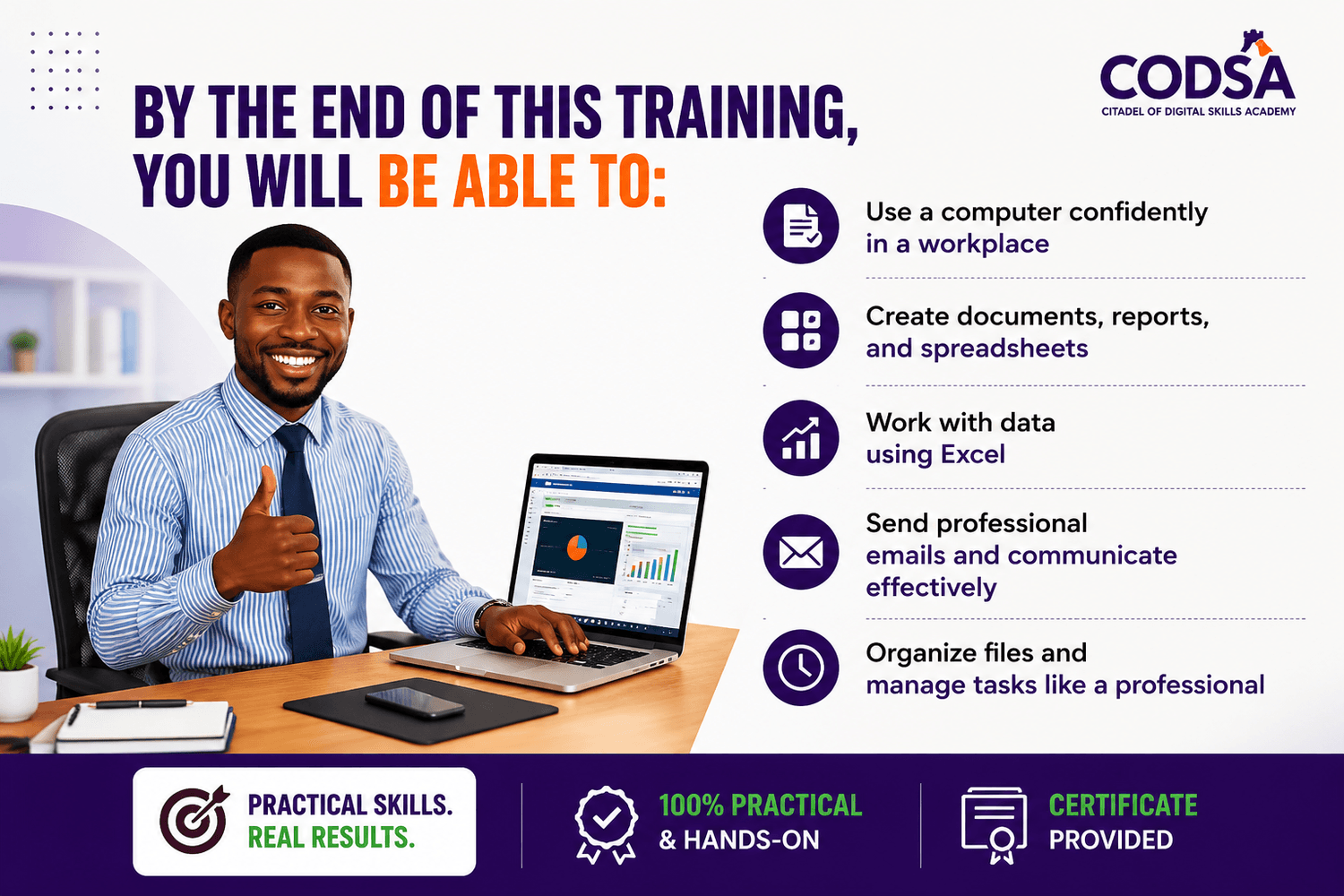
In this training, you'll learn how to:
✔ Create professional documents
✔ Perform data entry using Excel
✔ Design presentations with PowerPoint
✔ Write professional emails
✔ Organize files and folders
✔ Use Google Workspace effectively
✔ Work faster with AI tools
✔ Master 30+ workplace digital tools
Deadline Countdown
Frequently Asked Questions
Welcome Citadel of Digital Skills Academy



Citadel of Digital Skills Academy (CODSA) is a professional training organization focused on equipping individuals and corporate teams with practical, job-ready digital skills for today’s workplace.
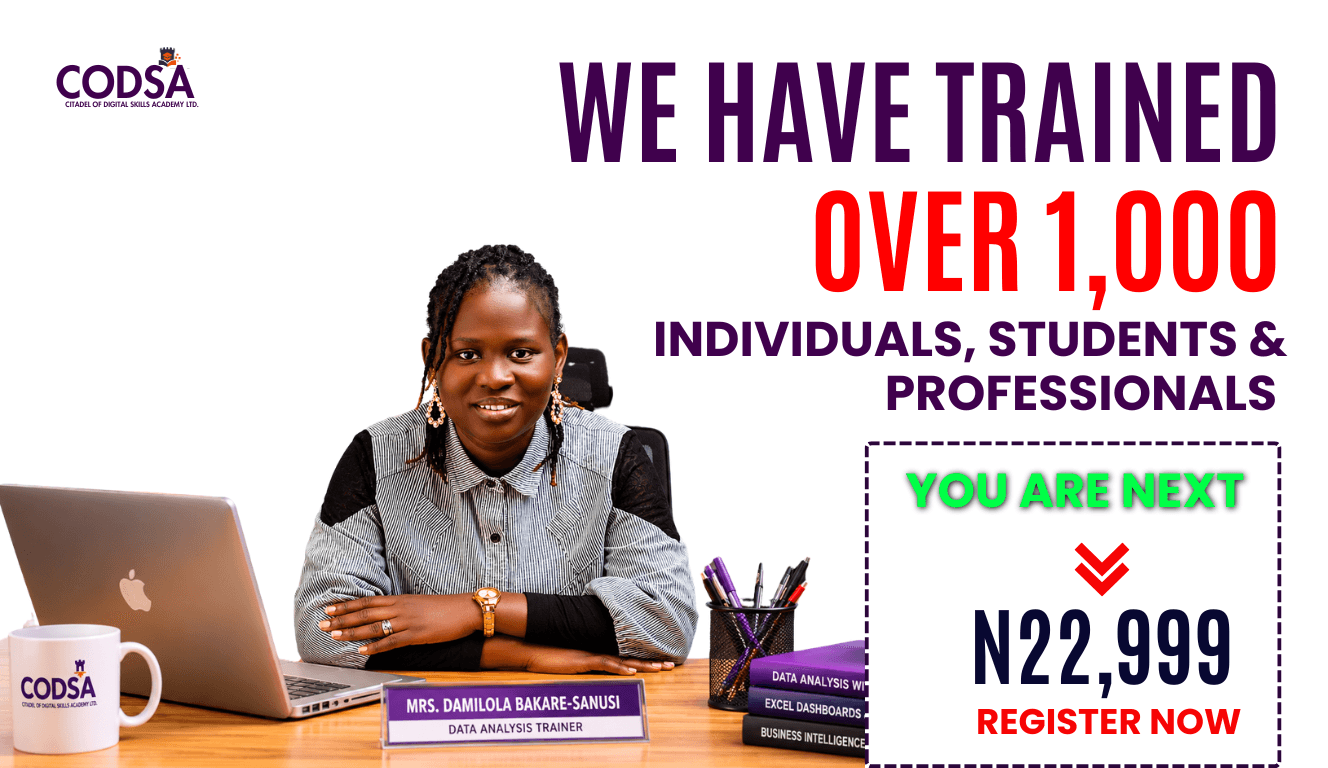
We have successfully trained over 1,000 individuals who are now building real digital skills across industries such as oil and gas, microfinance, education, and religious organizations.
Our training is hands-on and practical, designed to help learners confidently handle real workplace tasks using essential digital tools.
Citadel of Digital Skills Academy (CODSA) is a professional training organization focused on equipping individuals and corporate teams with practical, job-ready digital skills for today’s workplace.
We have successfully trained over 1,000 individuals who are now building real digital skills across industries such as oil and gas, microfinance, education, and religious organizations.
Our training is hands-on and practical, designed to help learners confidently handle real workplace tasks using essential digital tools.



Course Overview
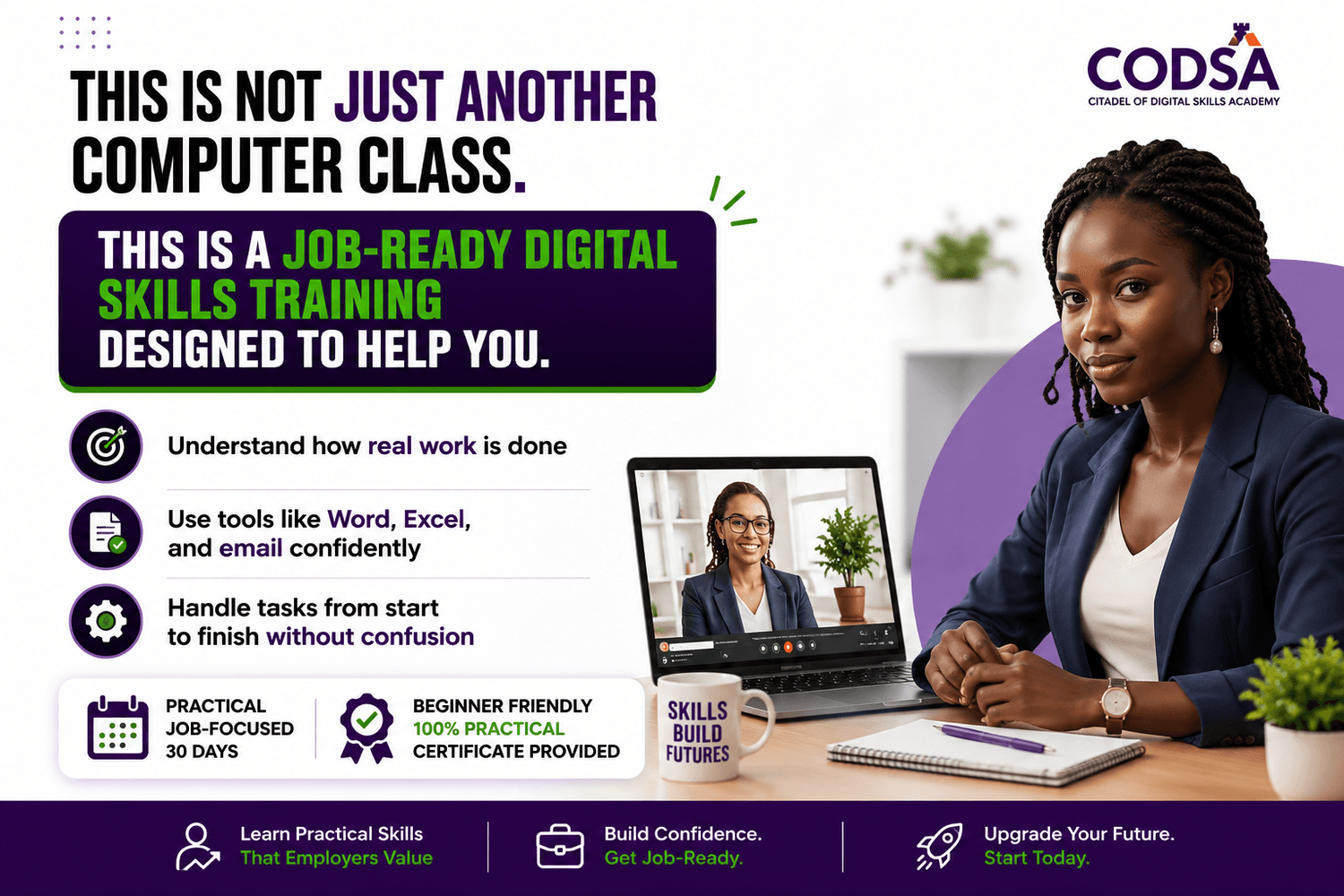
This program is designed to help beginners become confident and job-ready in the modern workplace using essential digital tools and skills.
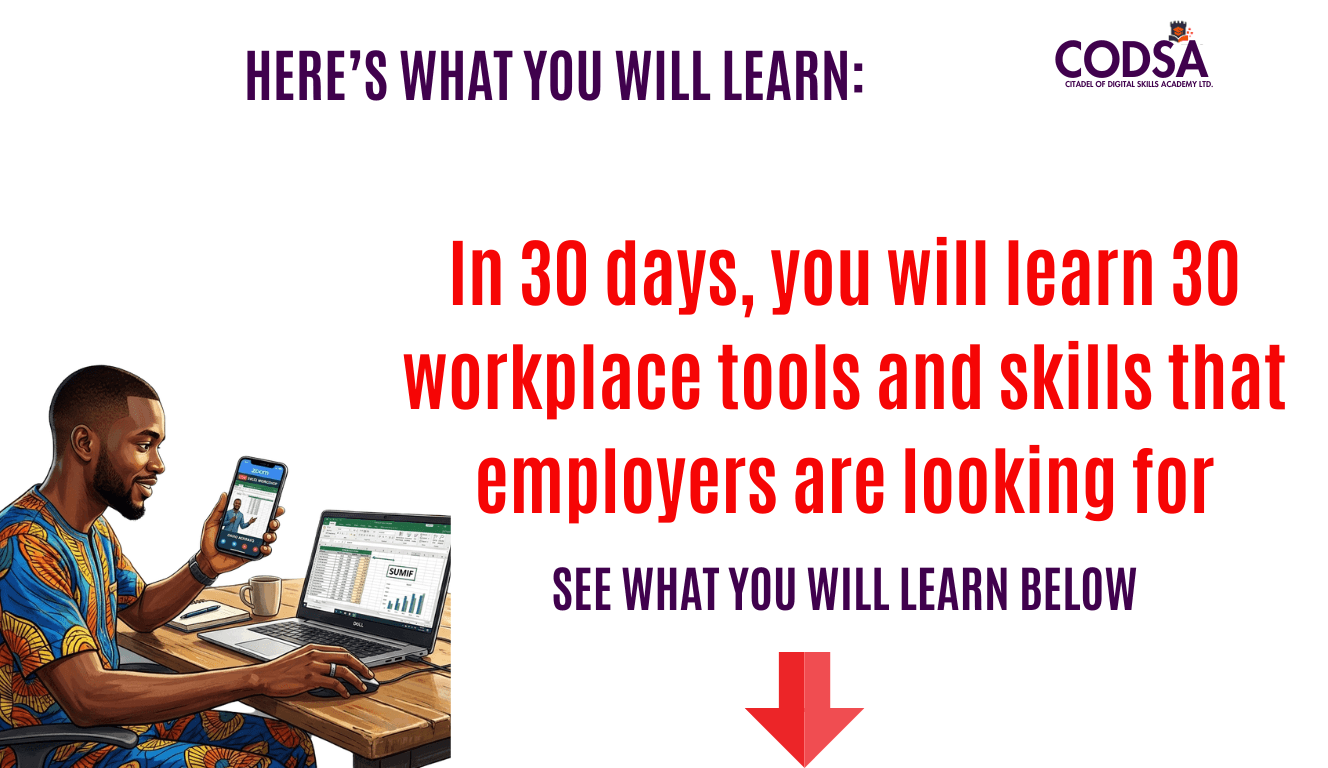
FOUNDATIONAL DIGITAL SKILLS
1. Introduction to Computers in the Workplace
2. Understanding Hardware and Software Basics
3. How to Navigate Windows Confidently
4. File Management and Proper Organization
5. Keyboard Shortcuts for Faster Productivity
6. How to Arrange and Prepare Documents for Printing
7. How to Take Screenshots on a Computer
8. How to Record Your Computer Screen During Meetings and Trainings
9. Installing and Uninstalling Applications Properly
10. How to Browse the Internet and Search Effectively
WORKPLACE DIGITAL SKILLS
11. Professional Email Writing for the Workplace
12. Professional CV Writing
13. How to Use AI Tools for Workplace Productivity
14. How to Use Canva to Create Flyers, Presentation Slides, and Workplace Designs
15. How to Create Professional Documents, Office Reports, and PDF Files with Microsoft Word
16. How to Use Microsoft Excel for Data Entry, Formulas, Calculations, and Charts
17. How to Use Google Sheets for Data Entry and Simple Automation
18. How to Create Professional Presentation Slides with Microsoft PowerPoint
19. How to Create and Manage Documents with Google Docs
20. How to Use Google Drive for Cloud Storage and File Backup
21. How to Use Google Calendar and Google Slides for Workplace Productivity
22. How to Create Online Forms with Google Forms
23. How to Schedule and Manage Virtual Meetings with Zoom and Google Meet
WORKPLACE PRODUCTIVITY AND COLLABORATION
24. Introduction to Customer Relationship Management Software
25. File Sharing and Professional Attachments
26. Workplace Collaboration Tools
27. Digital Workflow and Workplace Organization
28. Project Management Basics
JOB READINESS AND PRACTICAL TRAINING
29. Job Readiness Training
30. Real Workplace Task Simulation and Assessment
Let me show you how flexible the training is:
✅From Monday to Saturday, you get short, pre-recorded lessons released daily on your student portal. Each one is 30 to 45 minutes, so you can learn at your own pace and still have time to practice.
✅Then on Sundays, we meet live for 1 hour where I guide you through real workplace tasks using what you learned during the week. This is not a repetition. It is where everything becomes practical.
It is important to note that the live session is not a repetition of what was covered in the student learning portal for that week, but rather a session to show you how what you have learned is applicable in real workplace situations.
You will get to ask questions and receive answers from me directly.
✅And if you miss any session, the recordings will always be available. You won’t lose anything.
This means you can learn consistently without disrupting your schedule, and still get hands-on guidance.
It is flexible, but it is also practical.
Now the question is simple.
Are you ready to become job-ready?
It’s flexible and intensive.
See you inside.

Who is this training for?
This training is for you if you fall into any of these categories.
You are a student or recent graduate trying to build real skills beyond school.
You are a job seeker who is tired of applying but not feeling confident enough when it comes to actual work.
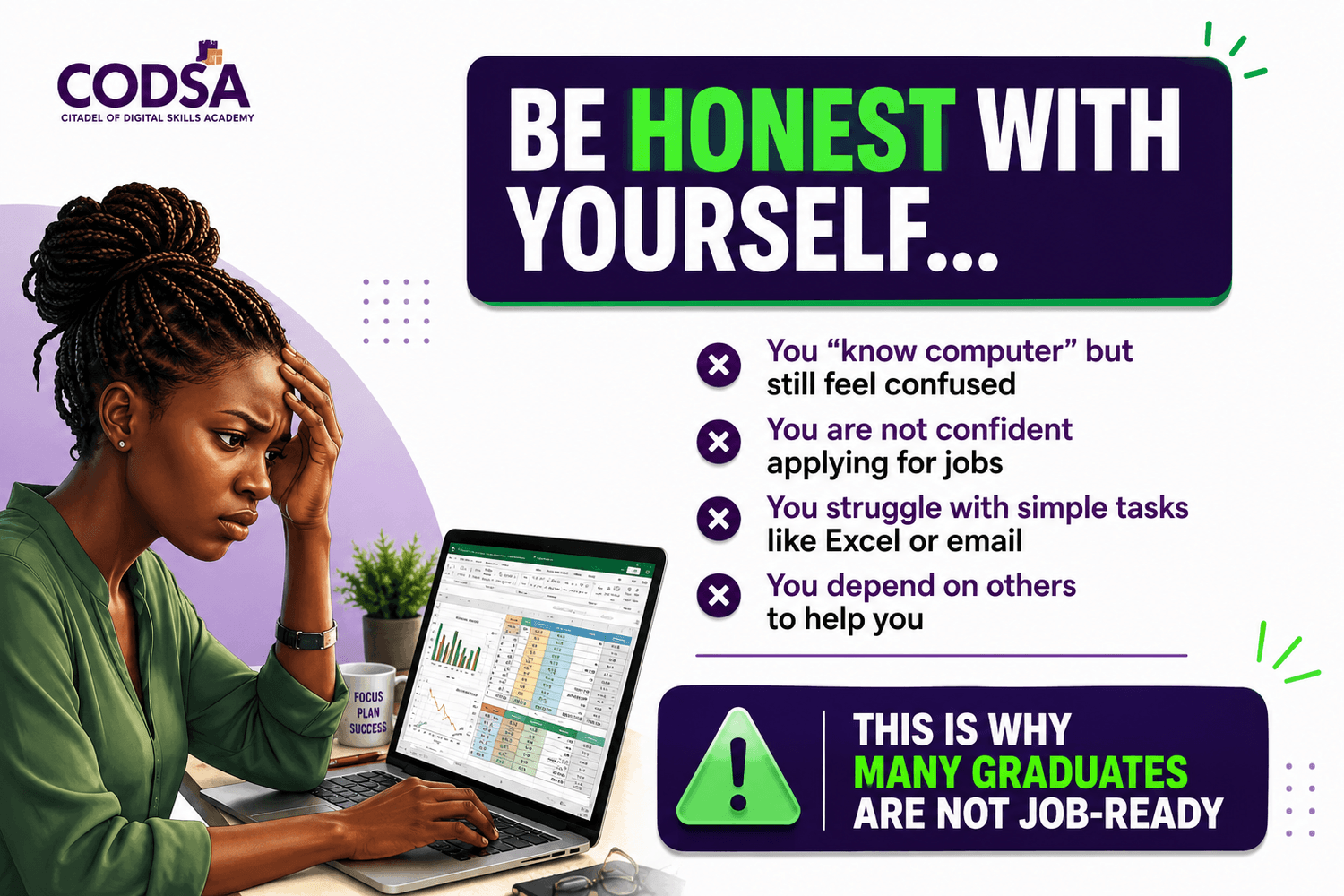
You are a young professional who uses a computer but still struggles with certain tasks.
Or you are simply someone who wants to become confident using a computer without depending on others.
If any of these sound like you, then this training was created with you in mind.
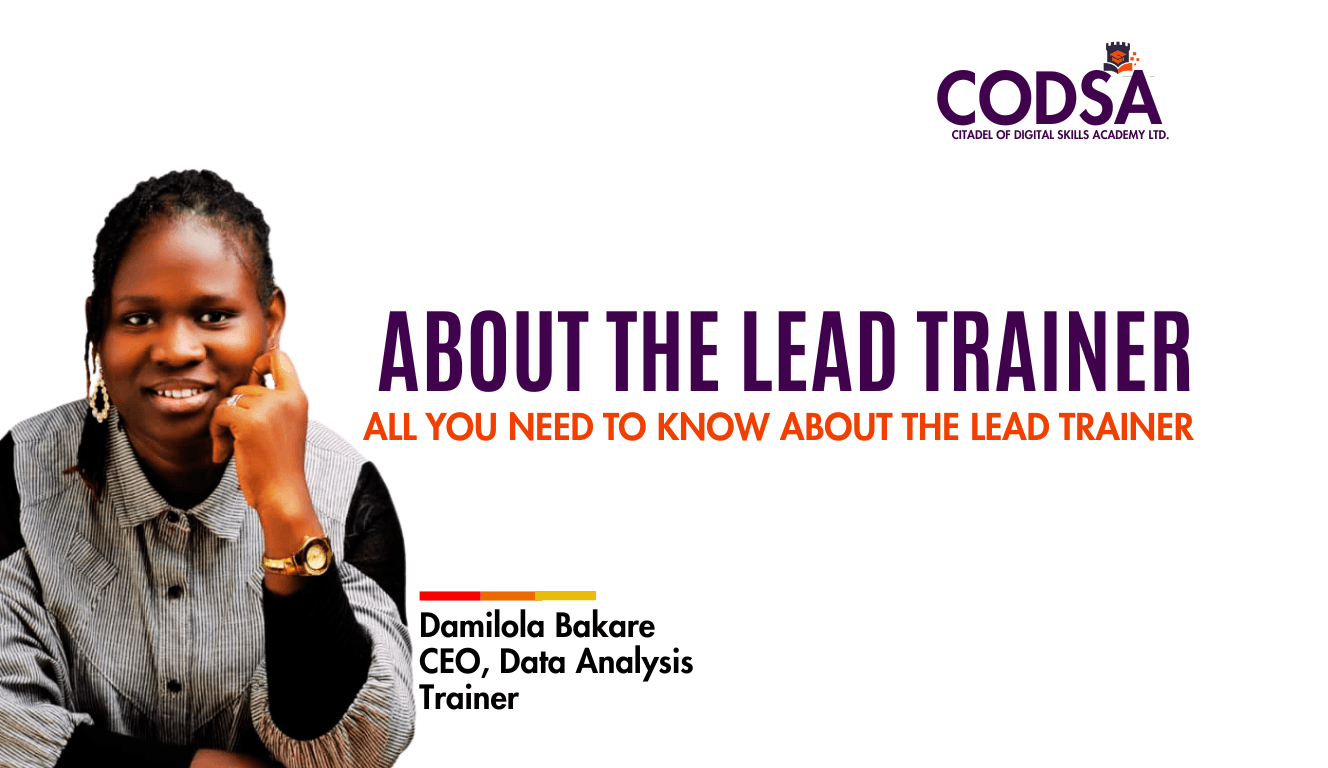
Seven (7) Years Plus Data Analysis With Microsoft Excel Expert
Five (5) years Digital skills trainer
8 years working Experience including Banking Sector, FMCG, and Hospitality Industries
Co-founder of a Tech Startup and Edutech company
Bsc. Biochemistry (Unilorin, Nigeria)
Bsc. Business Administration (Uopeople, USA)
Trained Eleven (11) batches of student across Africa, Asia, Europe and America
Small business growth and structured consultant
Seasoned Trainer
Wife and Mother
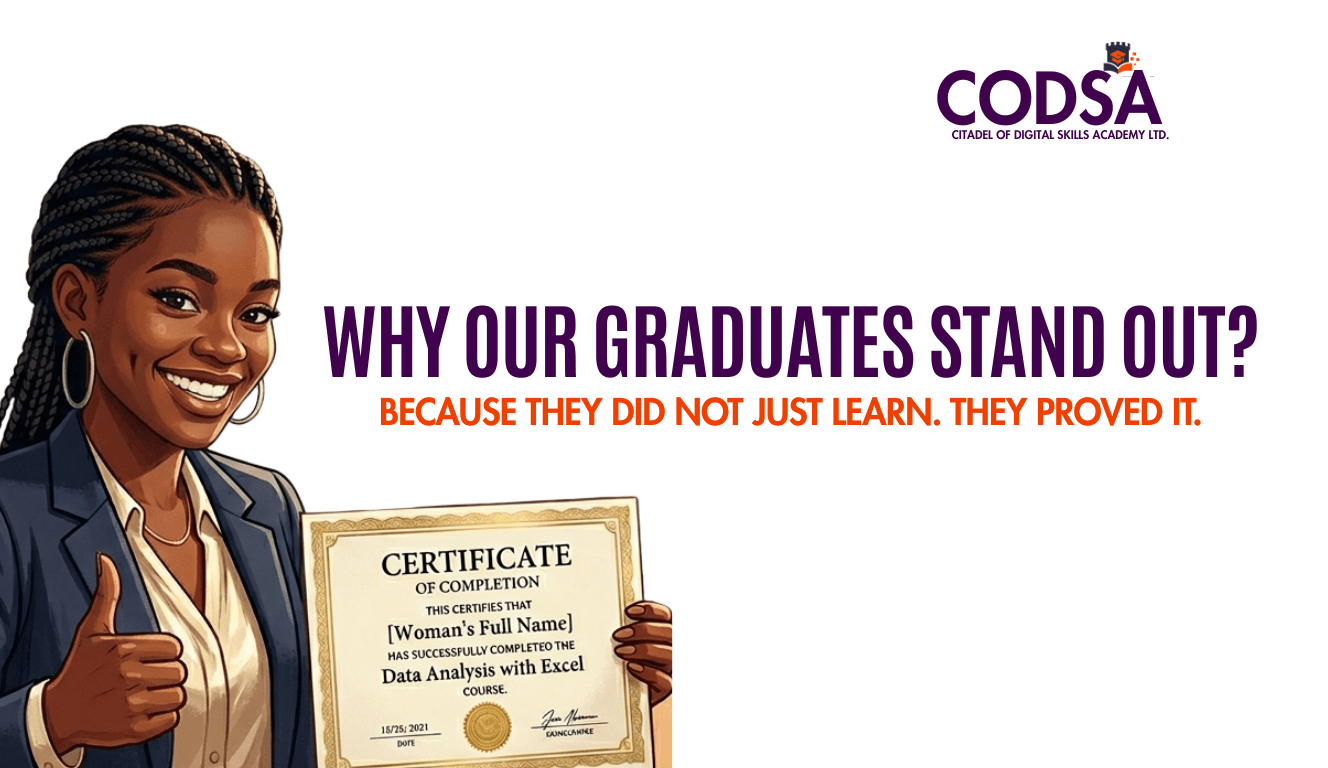
The reason our graduates stand out is simple.
They do not just learn. They prove it.
Many people have certificates.
But not many people have actually been tested.
That is the difference.
Before anyone completes our training, they must carry out an individual project. No shortcuts. No exceptions.
They take everything they have learned and apply it to a real task from start to finish. Alone. With real data.
So when they are done, they do not just leave with a certificate.
They leave with proof.
Proof that they can handle real tasks.
Proof that they can work without supervision.
Proof that they are ready for the workplace.
That is what makes our graduates different.
They did not just attend a training. They earned it.
If you have a team and you want people who can actually do the work,
Enroll them in our training.
We teach them until they can do it themselves.
Copyright © 2026 Citadel Of Digital Skills Academy - CODSA
Join the waitlist
Enter your email address below and join the waitlist!